


操作:https://nginx-pulse-docs.kaisir.cn/docs/Quick-Start
轻量级的 Nginx 日志分析面板
docker环境部署
docker run -d --name nginxpulse \
  -p 8088:8088 \
  -p 8089:8089 \
  -e WEBSITES='[{"name":"主站","logPath":"/share/log/nginx/access.log","domains":["example.com"]}]' \
  -v /var/www/nginx/access.log:/share/log/nginx/access.log:ro \
  -v /var/www/nginx/pgdata:/app/var/pgdata \
  -v $(pwd)/var/nginxpulse_data:/app/var/nginxpulse_data \
  magiccoders/nginxpulse:latest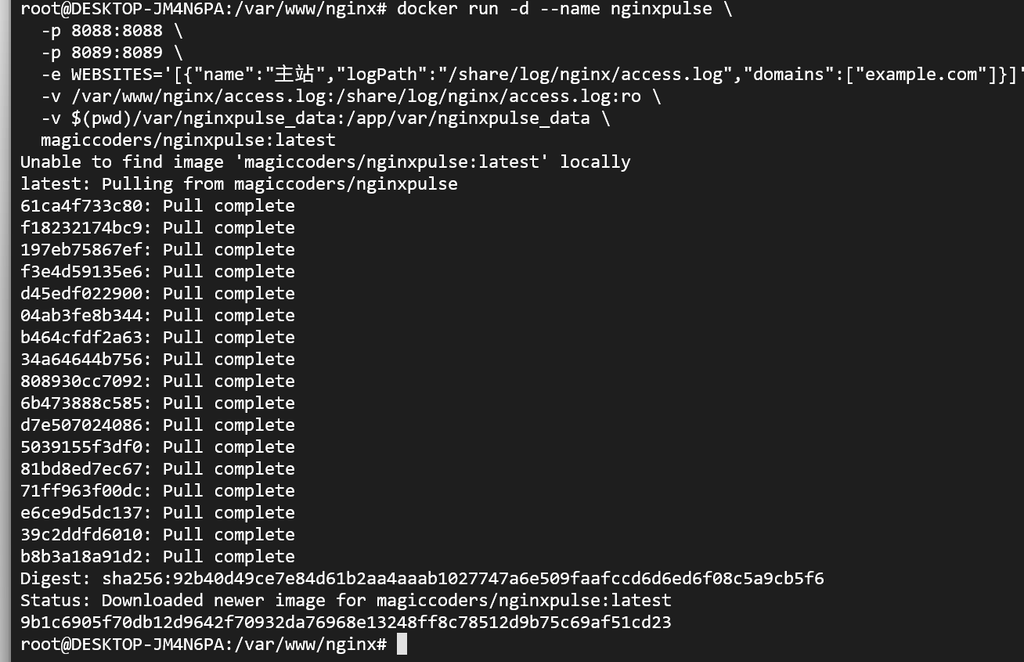
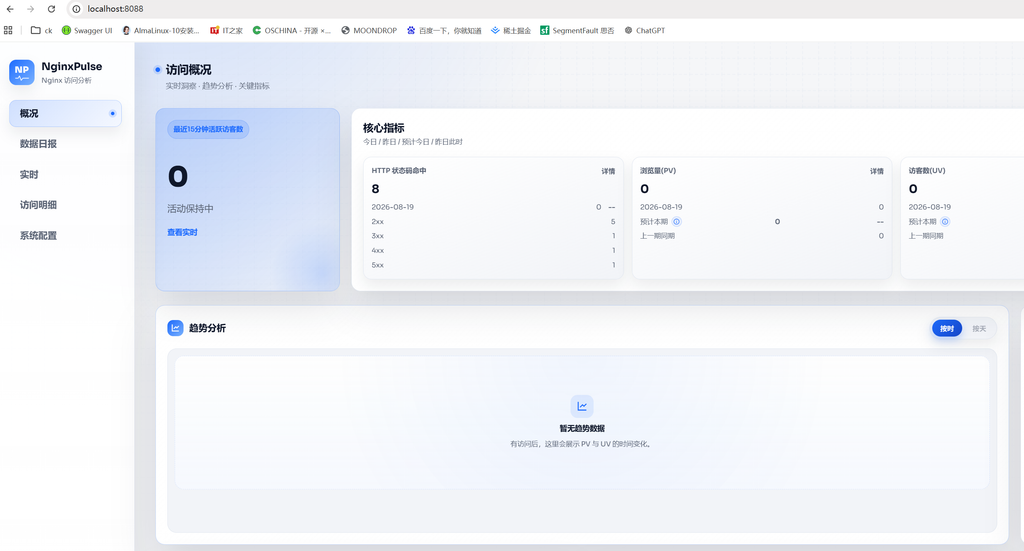
跑起来之后:
- 前端面板:http://localhost:8088
- 后端 API:http://localhost:8089
常用问题
进入对应容器
docker exec -it 153553f0a830 /bin/sh查日志
docker logs 313e55ecab60
nginxpulse: use external postgres: no (using embedded postgres)
2026-08-27 09:56:51.827 UTC [40] FATAL:  database files are incompatible with server
2026-08-27 09:56:51.827 UTC [40] DETAIL:  The data directory was initialized by PostgreSQL version 16, which is not compatible with this version 17.9.
nginxpulse: postgres did not become ready within 120s